- Account
- A company you work for. The builder, the GC, the homeowner.
- Aging
- How long an invoice has been sitting since you sent it, usually grouped into 30, 60 and 90 days.
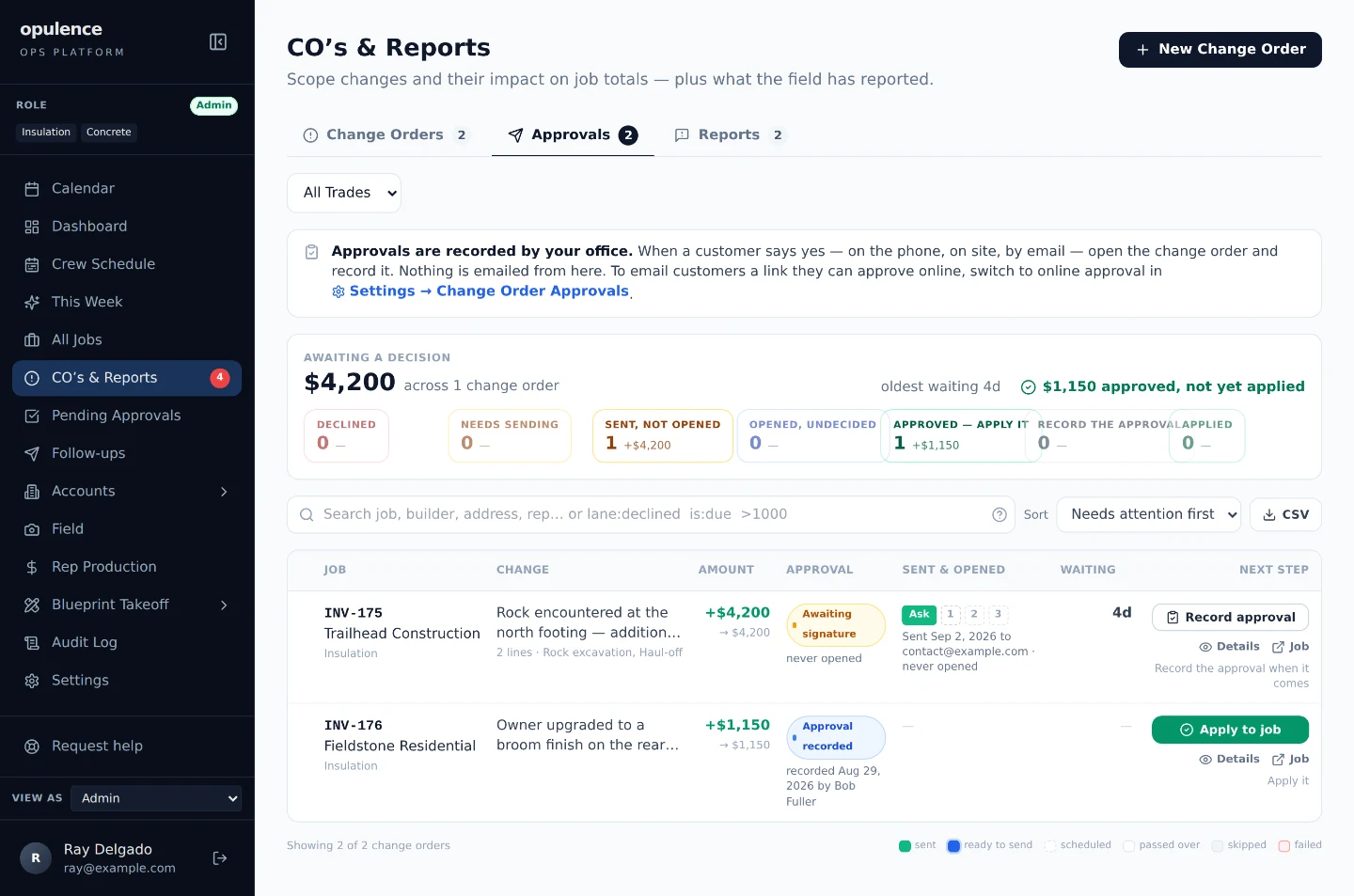
- Applied
- The change has been approved and its money has been added to the job’s total. Until it is applied, the job is still worth what it was sold for.
- Audit log
- The permanent record of who did what and when. It can be read and added to. It cannot be edited or deleted.
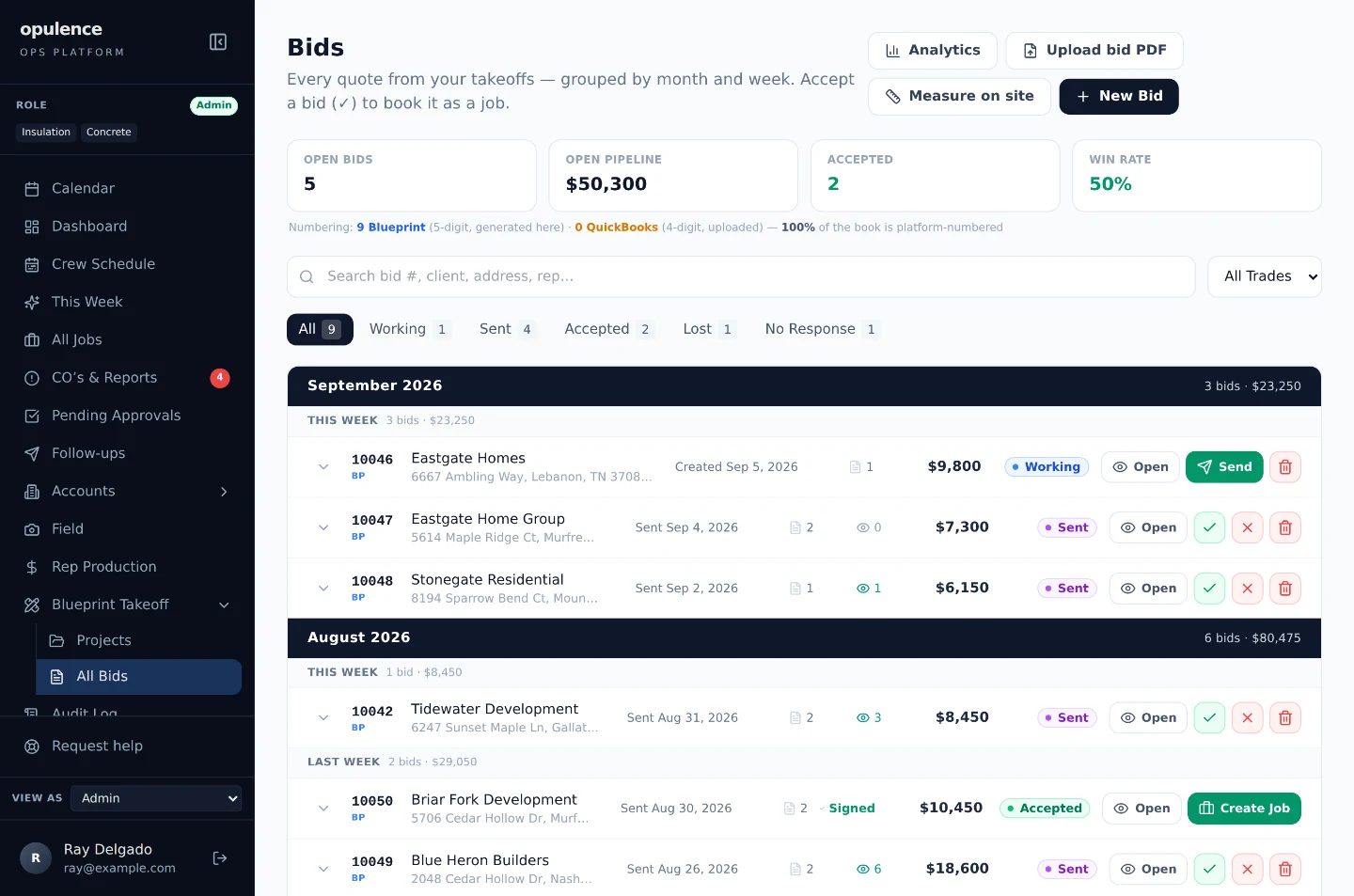
- Bid pipeline
- The list of every bid you have out, grouped by what has happened to it so far. Your whiteboard, kept up to date by the software instead of by you.
- Bill check
- A standing check that compares the rows on each job to the amount that was bid, and reports the ones whose math does not hold.
- Billing identity
- The business name, letterhead, bank details and payment terms a bid or invoice goes out under. A company can have more than one.
- Booked
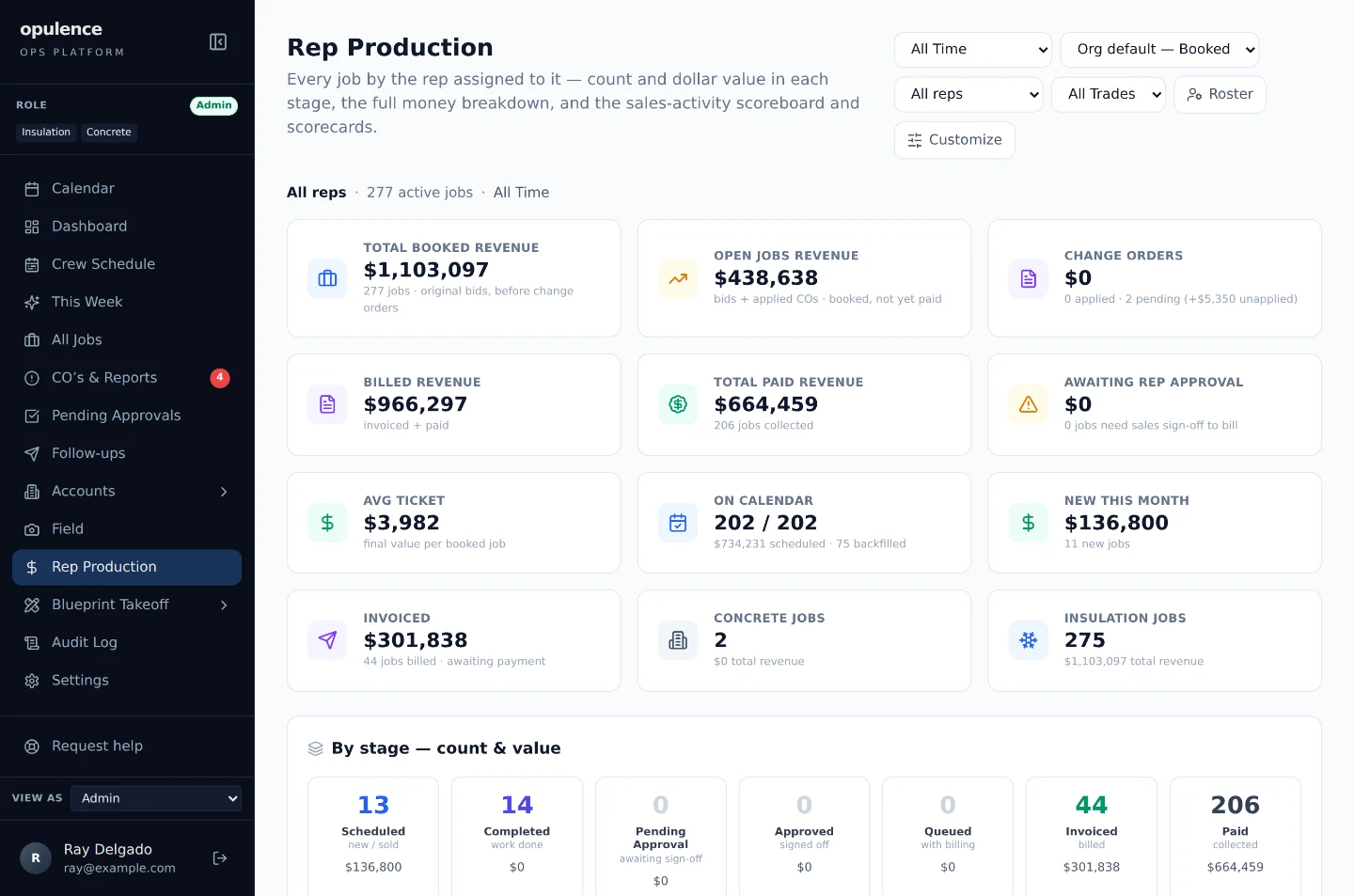
- Work that has been sold. A different question from work that has been finished, or billed, or paid.
- Calendar routing
- The rule that decides which calendar a job lands on when it gets scheduled, and who gets invited to it.
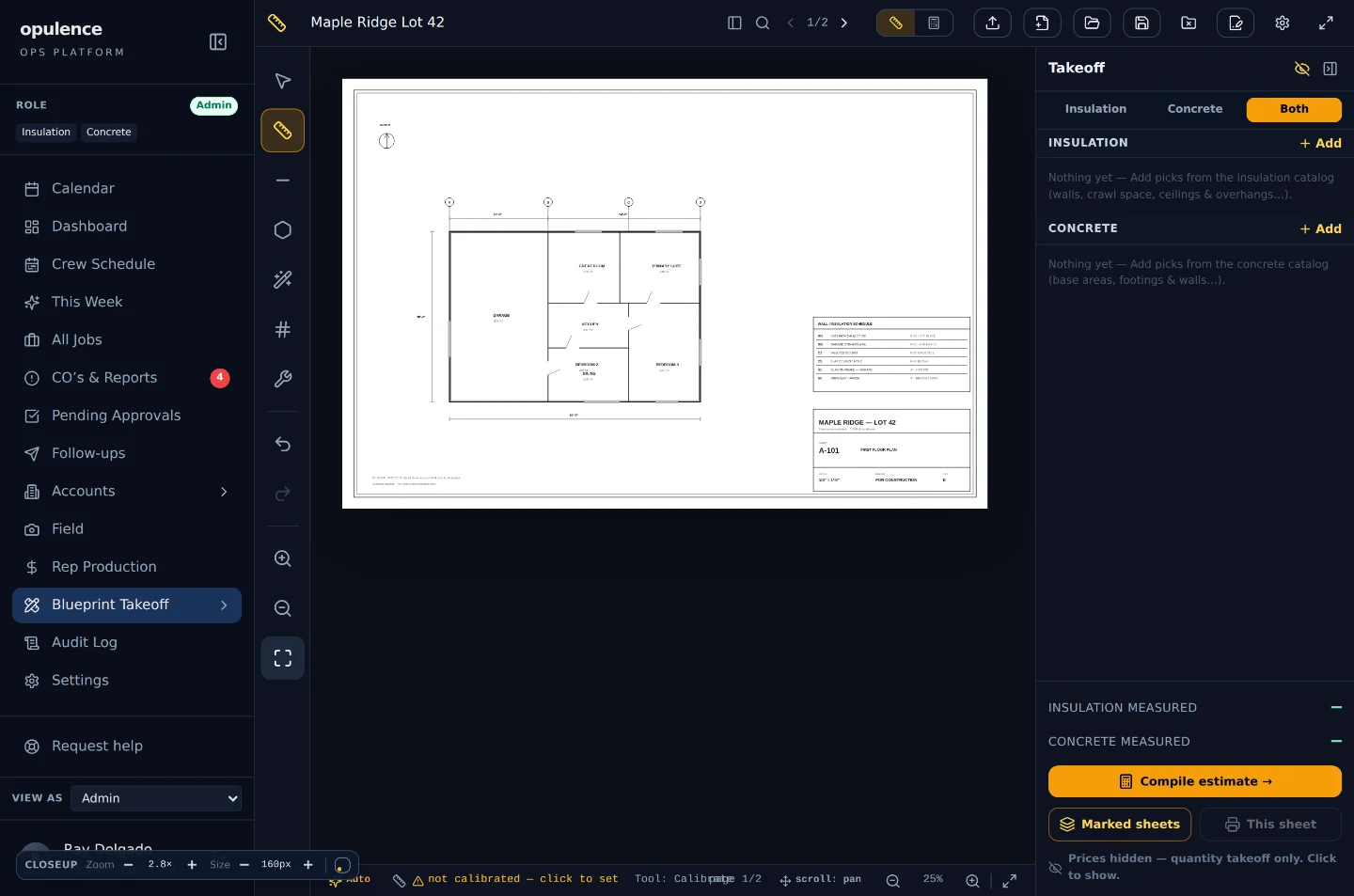
- Calibrate
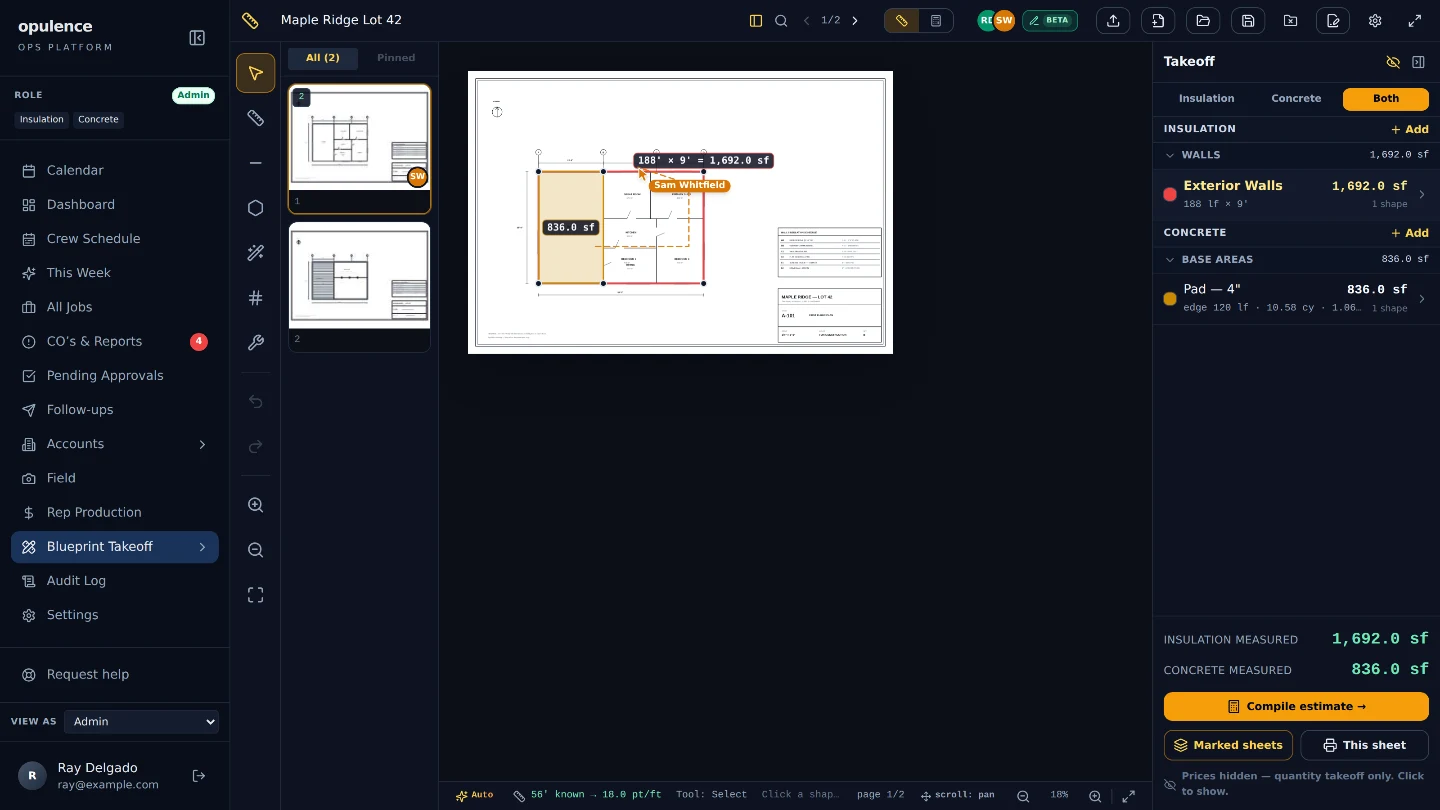
- Telling the software how long one line on the drawing really is, so every measurement after that comes out in real feet.
- Capacity
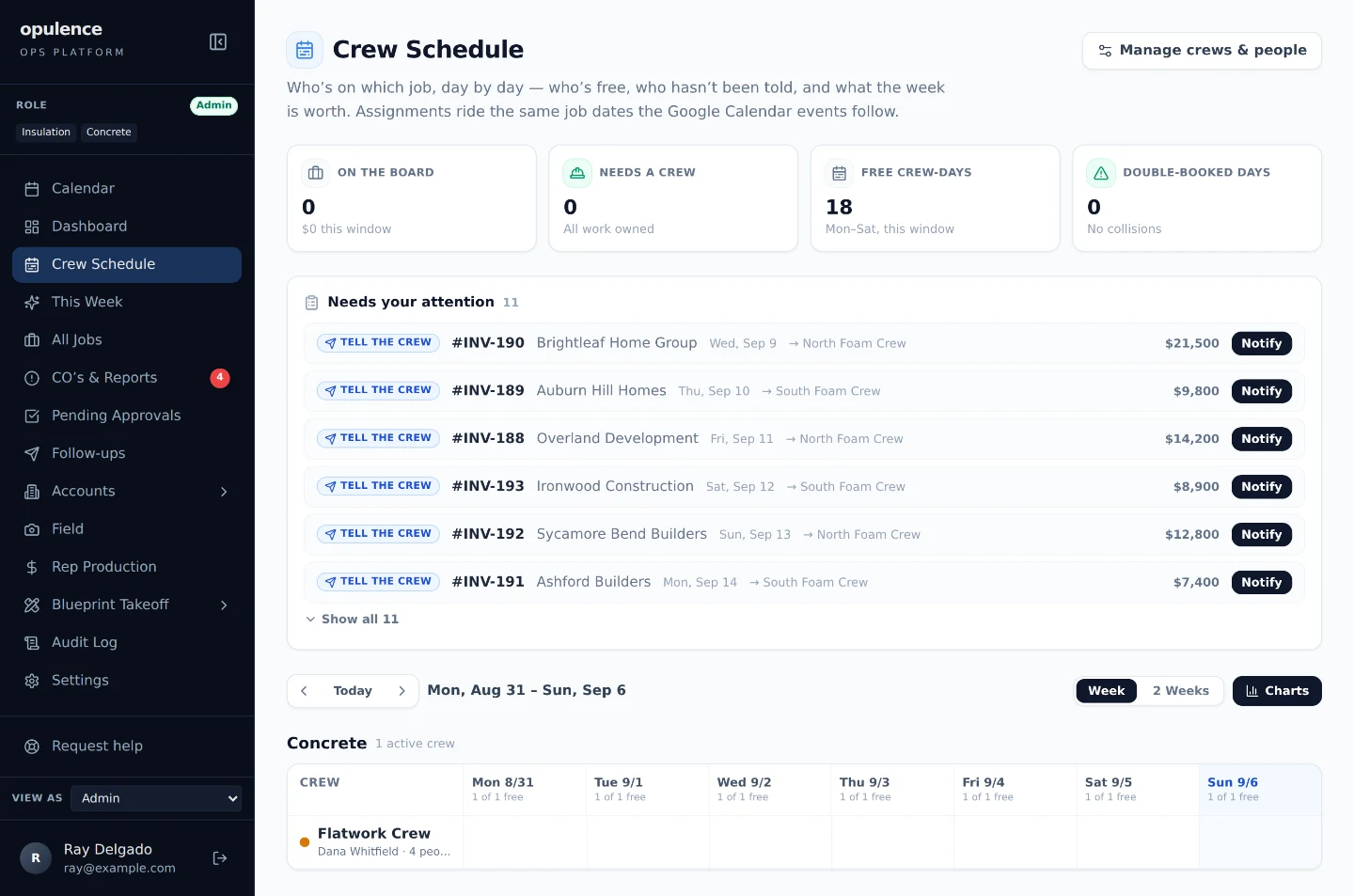
- How much work a crew can take in a day. The board shows what is already on them against it.
- Change order
- Work added to or taken off a job after it was sold, with a price on it. Rock where the plan said dirt. An extra bathroom. Two more inches of foam.
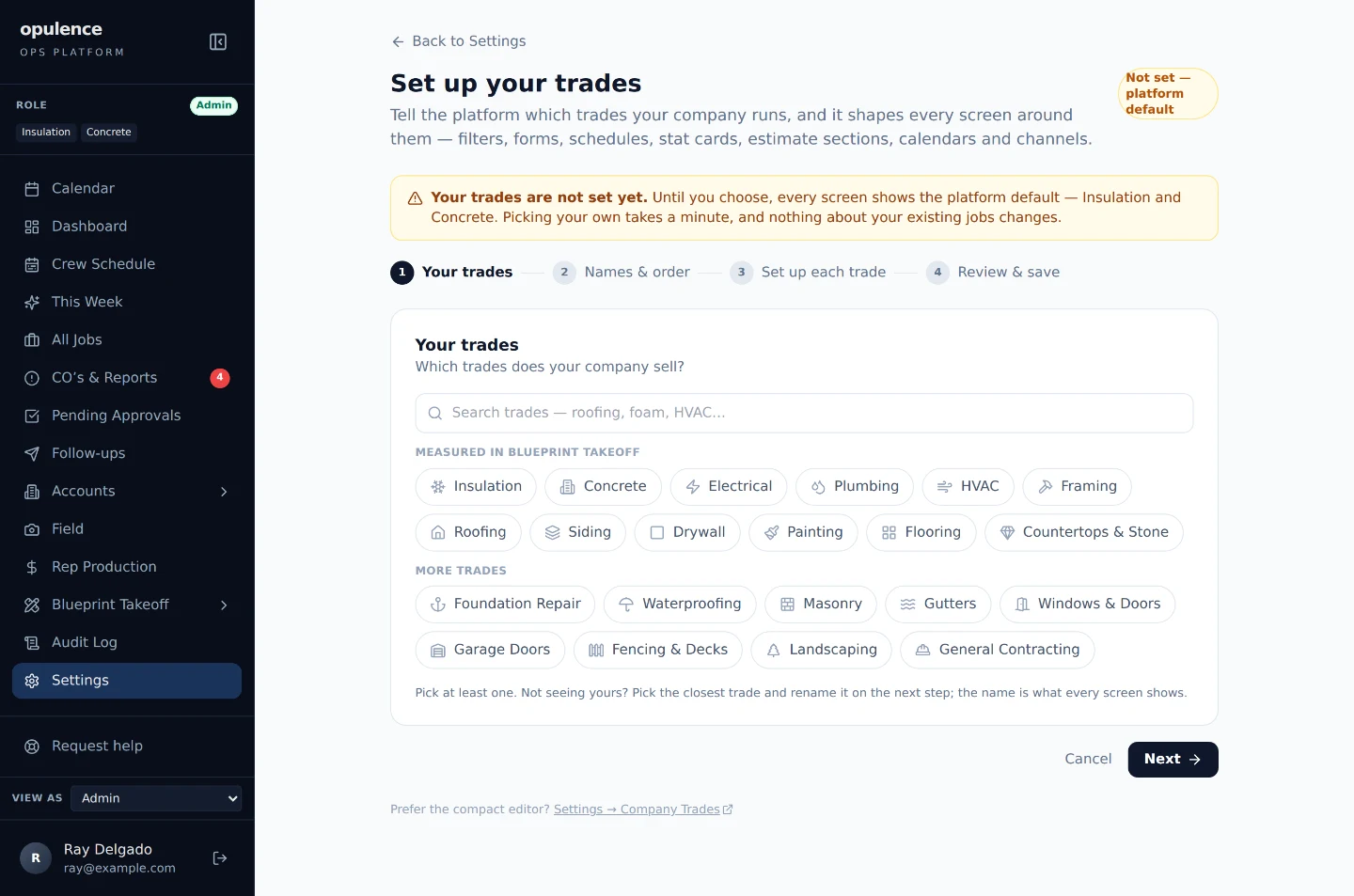
- Company trades
- The list of trades your company sells. You set it once, and the rest of the platform is built out of that list rather than a fixed one.
- Condition
- The thing you are measuring, named in your own words: exterior walls, garage ceiling, the slab, a footing. Pick one and the software knows whether it is an area, a length or a count.
- Contact
- A person at that company, with the job they do on it: the one who approves prices, the one who pays the bills.
- Contract arithmetic
- Three numbers instead of one: what the contract was, what this change is, and what the contract becomes.
- Converted
- A signed bid that somebody turned into a real job with a schedule. Signing does not do this on its own. A person does it.
- Crew
- A named team with people on it. A person needs a name and a cell number to be on a crew, and most crew members never sign in to anything.
- Dispatch board
- The screen showing every crew and every day at once, with jobs drawn across the days they actually take.
- Edit together
- The other setup: everybody draws at once and the work shows up on each other’s screens as it happens.
- Held
- The job is finished and is not allowed to be billed yet, because a change on it is still unresolved.
- Intake
- The short set of questions that turns a signed bid into a real job on the calendar.
- Itemized
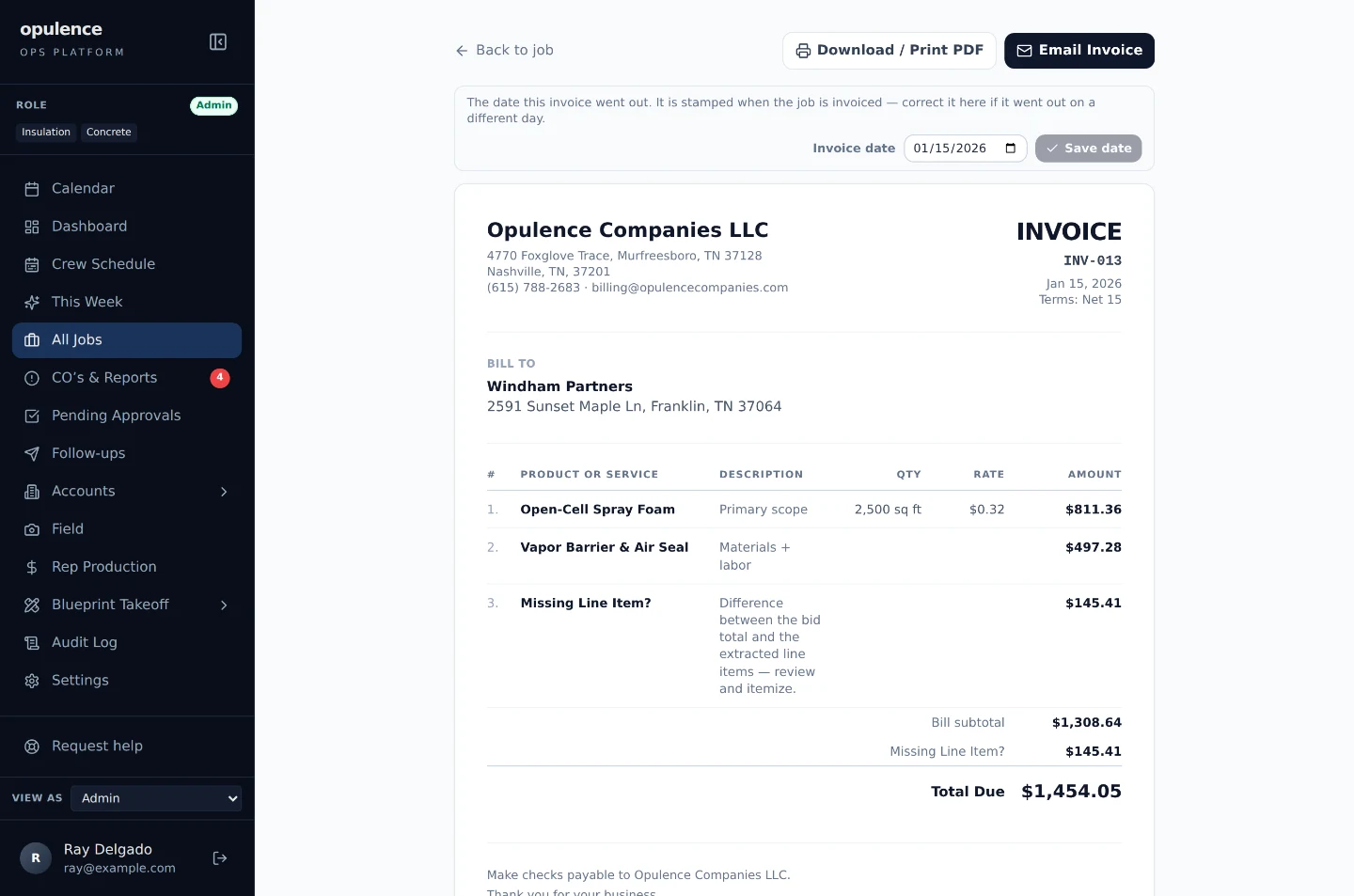
- The bid is broken into rows the customer can read, instead of one lump sum. Description, quantity, unit, rate, money.
- Job total
- What the job is worth right now: the amount it was sold for plus every change that has been applied. Every document reads this one number.
- Line item
- One row on the quote: what it is, how much of it, the rate, and the money. The same rows the customer reads on the bid.
- Live cursor
- Your teammate’s mouse pointer, on your screen, with their name on it. It is how you can tell what they are looking at.
- Money at risk
- The balance multiplied by how late it is. It is what decides who gets called first here, because $90,000 at forty days beats $400 at ninety.
- Multiplayer
- More than one person in the same takeoff at the same time. Borrowed from video games, and it means exactly what it sounds like.
- No response
- A bid that was sent and never answered. After six months the software moves it here so it stops counting as live work.
- Note
- A sticky note pinned to a point on the drawing. Text only, and it travels with the takeoff.
- Online acceptance
- A web page the customer opens from the email to read the bid and sign it. It works on a phone and needs no password.
- Past due
- How late it is against the terms you gave, which is a different number from aging. On net 30 those two are thirty days apart.
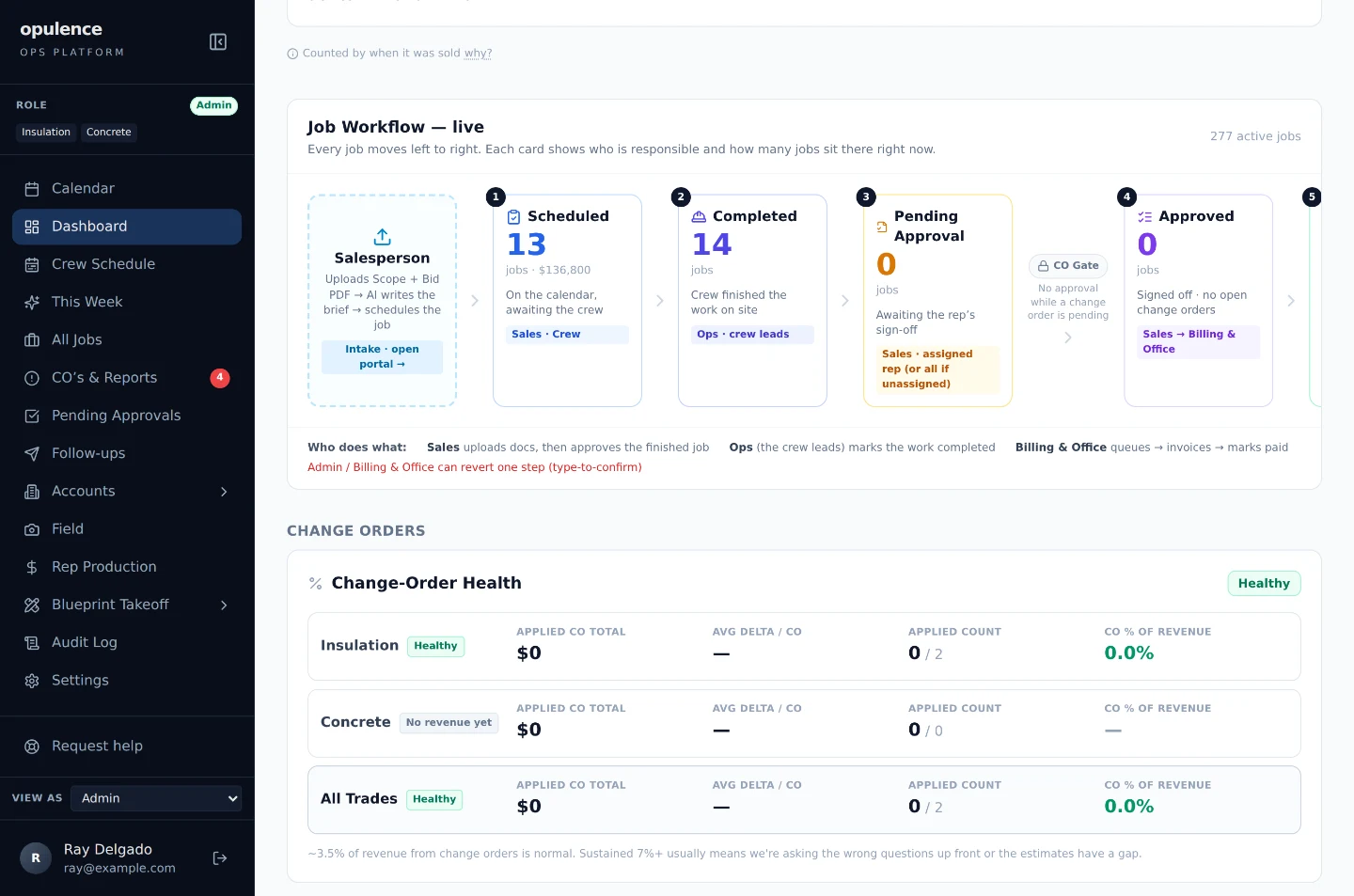
- Pending approval
- The crew finished it and the rep who sold it has not signed off yet. Nothing can be billed until they do.
- Presence
- The little colored circles with initials in them. One per person in the takeoff right now, and each person keeps the same color everywhere.
- Promise to pay
- The customer told you a date. The software holds the reminders until that date goes by, then escalates if nothing arrived.
- Queued
- Signed off and waiting on the office to send the invoice.
- Quota
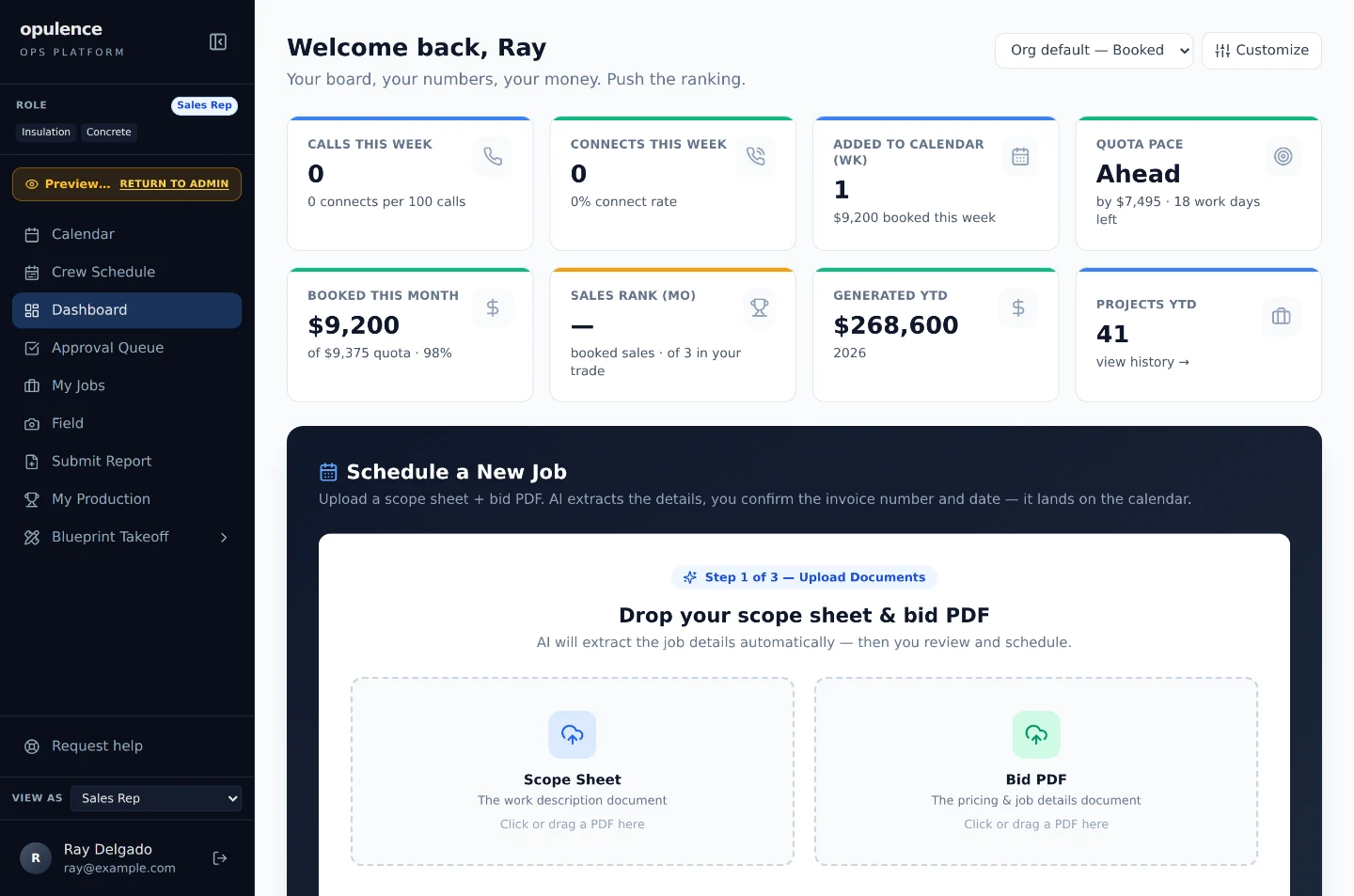
- The sold-work target a rep is carrying for the month.
- Receivable
- Money you have billed and not been paid. Your AR.
- Reminder ladder
- The sequence of reminders on one invoice (polite, then firmer, then a final notice) that gets firmer as it climbs and then stops.
- Role
- Sales rep, operations, billing and office, administrator, crew member. It is the job somebody does, and the software follows it.
- Scope sheet
- The page the crew works from: what the job is, where, and what has to happen.
- Seat
- One person’s login, with a role attached to it that decides what they can see and do.
- Share
- Giving a teammate permission to open one of your takeoffs. Without it they cannot see it at all.
- Sign-off
- The rep who sold a job confirming the finished work is right before anybody bills it.
- Stage
- Where a job is right now: scheduled, done, waiting on sign-off, approved, ready to bill, billed, paid.
- Stale
- You told the crew a plan, and then the plan changed. The job stays flagged until somebody tells them the new one.
- Take turns
- The starting setup: one person edits and everyone else watches until somebody presses Take over.
- Takeoff
- Measuring a set of plans to work out how much material and labor a job needs. Same job you already do. This is it on a screen instead of on a paper print.
- The pipeline
- All your jobs, laid out by stage, so "where is everything" is a screen instead of a meeting.
- Trade scope
- Some people only work on one side of the business. A seat scoped to concrete does not see the insulation jobs at all.
- Waste factor
- The extra you order because you never place exactly what you measured. On concrete the software adds it to the quantity and says so on the line.
 Estimating